

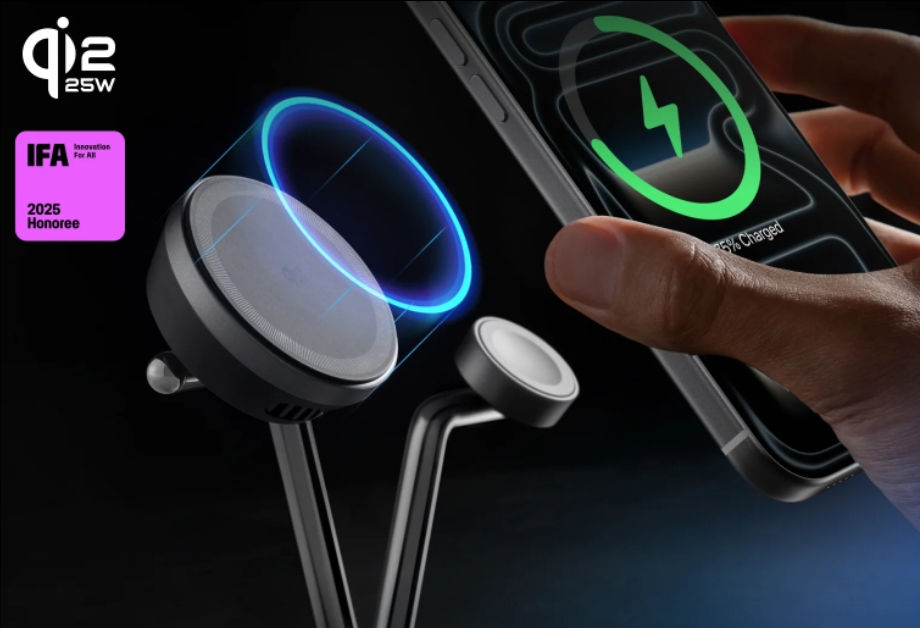
Wireless charging has become a daily convenience for many users, removing cable clutter and making it easier to top up devices throughout the day. However, charging without wires doesn’t mean charging without care. Battery health still depends on how power is delivered, how heat is managed, and how accessories are used. By understanding a few safety-focused habits and choosing well-designed chargers, you can enjoy the comfort of wireless charging while keeping your battery performing well for years.
How to Charge Wirelessly Without Hurting Your Battery
To protect long-term battery health, it’s important to look beyond simple charging speed and focus on smart usage habits and charger quality.
Prioritize Certified Chargers With Active Temperature Control
Heat is the biggest enemy of lithium-ion batteries. Wireless charging naturally generates more warmth than wired charging, especially during fast charging. High-quality wireless chargers include built-in temperature monitoring that adjusts power output when heat rises. Anker wireless chargers, like the Anker MagGo Wireless Charging Station, use advanced ActiveShield safety systems that constantly track temperature and regulate charging to prevent overheating. Using a wireless charger with these protections significantly reduces battery stress over time.
Ensure Proper Device Alignment While Charging
Poor alignment between the charger and your phone can cause inefficient power transfer and excess heat buildup. Magnetic wireless chargers solve this by snapping your phone into the optimal position automatically, keeping the charging coils perfectly aligned. This stable connection not only improves charging efficiency but also lowers heat generation, which helps preserve battery health during frequent top-ups.

Avoid Charging on Soft or Insulating Surfaces
Where you place your charger matters more than many people realize. Charging on beds, couches, or soft mats can trap heat around your phone and charger. Instead, place wireless chargers on flat, hard surfaces that allow heat to dissipate naturally. Many Anker charging stands and pads are designed with airflow-friendly structures, but proper placement still plays a key role in keeping temperatures stable.
Don’t Keep Your Phone at 100% for Long Periods
Modern smartphones are smart enough to stop drawing power once fully charged, but keeping a device at 100% for extended periods, especially overnight, can still accelerate battery aging. If possible, remove your phone from the wireless charger once it’s sufficiently charged, or use chargers that support optimized or scheduled charging. Some wireless charging stations are designed to reduce power delivery once a full charge is reached, helping minimize long-term battery strain.
Remove Thick or Metal Phone Cases When Necessary
Certain phone cases, especially those with metal components or excessive thickness, can interfere with wireless charging efficiency. This interference forces the charger to work harder, generating more heat. If your phone feels unusually warm while charging wirelessly, try removing the case and see if temperatures improve. Many Anker magnetic chargers are optimized for slim cases, but checking compatibility is still a good habit.
Avoid Using Your Phone Heavily While Wirelessly Charging
Streaming videos, gaming, or running intensive apps while charging wirelessly can significantly increase heat output. This double workload places unnecessary stress on the battery. For best results, let your phone charge uninterrupted or use light tasks only. Magnetic charging stands can help by keeping the phone upright and well-ventilated, reducing heat buildup during casual use.
Conclusion
Wireless charging can be both convenient and battery-friendly when used correctly. By focusing on heat management, proper alignment, quality accessories, and mindful charging habits, you can protect your battery’s long-term health without giving up modern convenience. Trusted solutions from brands like Anker combine smart safety features with thoughtful design, making wireless charging safer and more reliable. With the right setup and habits, wireless charging can support your device’s lifespan.
