

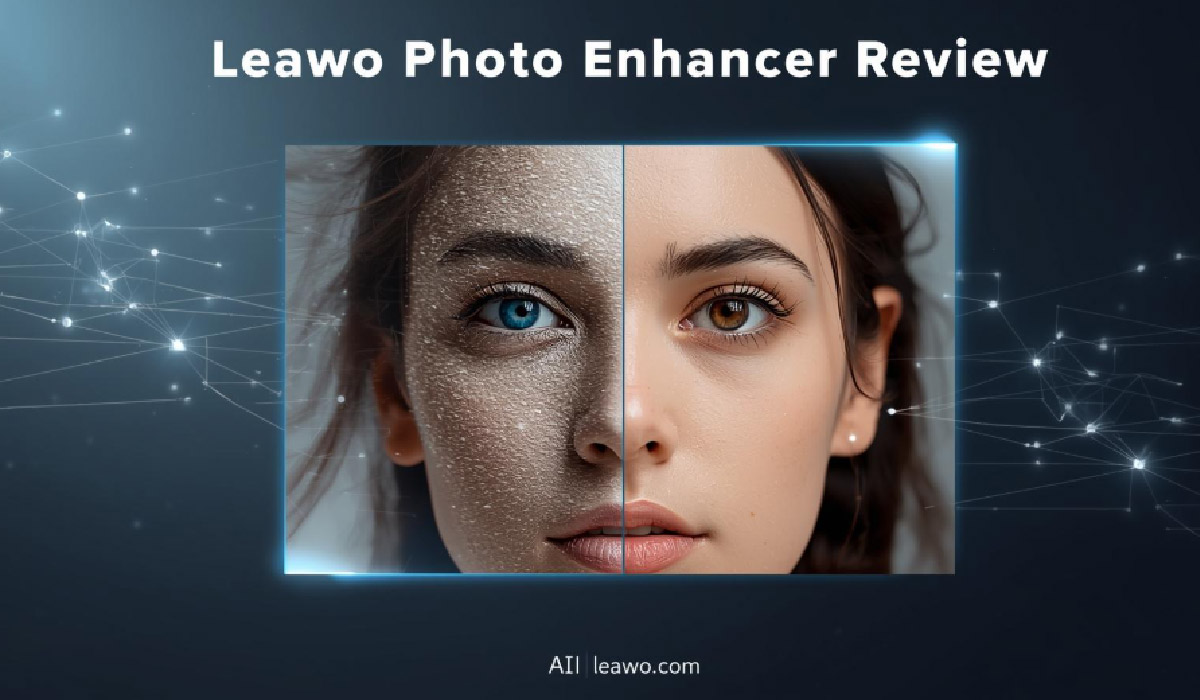
Photo enhancement has never been more accessible. With AI technology revolutionizing how we edit images, tools like Leawo Photo Enhancer promise professional results with minimal effort. But does this AI photo enhancer truly deliver on its beginner-friendly claims? This comprehensive Leawo Photo Enhancer review examines everything from features to performance, helping you decide if it’s the right tool for your photo editing needs.
Part 1: Overview of Leawo Photo Enhancer
Leawo Photo Enhancer is an AI-powered photo enhancement software designed to improve image quality with minimal manual intervention. Developed by Leawo Software, a company with over a decade of experience in multimedia applications, this tool aims to simplify photo editing for users of all skill levels.
The software’s primary purpose is to automatically enhance photos through intelligent algorithms that analyze and improve various aspects like exposure, color balance, sharpness, and detail. Rather than requiring extensive editing knowledge, Leawo Photo Enhancer employs one-click AI processing that handles complex adjustments automatically. It’s particularly useful for fixing common photo issues like poor lighting, dull colors, blur, and noise, while also offering specialized features for portrait enhancement.
Part 2: Main Features Breakdown
1. AI Enhancement (One-Click Processing)
The standout feature of Leawo Photo Enhancer is its AI-driven automatic enhancement capability. With a single click, the software analyzes your photo and applies intelligent adjustments to optimize overall quality. The AI technology adjusts white balance, corrects exposure by suppressing highlights and brightening shadows, optimizes color saturation and contrast, sharpens details and edges, and reduces noise and haziness.
This one-click approach makes professional-level enhancements accessible to beginners who might feel overwhelmed by traditional photo editing software with countless manual controls. The AI handles the technical complexity while delivering consistently good results across different photo types, from portraits to landscapes.
2. Portrait Retouching
For portrait photography, Leawo Photo Enhancer includes specialized AI tools. The portrait retouching feature automatically smooths skin texture while maintaining natural appearance, removes freckles and blemishes intelligently, and can enlarge eyes in portraits to make them more prominent and sparkling.
These enhancements happen automatically when the AI detects faces in photos, though users retain control over the intensity of adjustments. The feature strikes a balance between enhancement and authenticity, avoiding the over-processed look common with aggressive beauty filters.
3. Color Adjustment
Beyond automatic enhancements, the software provides intelligent color correction capabilities. It automatically adjusts color temperature for proper white balance, enhances vibrancy and saturation for more vivid images, and optimizes contrast for better visual impact. The AI analyzes each photo’s specific characteristics and applies appropriate color corrections, ensuring images look natural rather than artificially saturated.
4. Noise Reduction
Digital noise from low-light photography or high ISO settings can ruin otherwise good photos. Leawo Photo Enhancer’s noise reduction algorithm effectively smooths grain and artifacts while preserving important details and textures. The feature works particularly well on JPG images affected by compression artifacts, producing cleaner, sharper results.
5. Batch Processing
One of the most practical features for users with large photo libraries is batch processing capability. Instead of enhancing images one at a time, you can process multiple photos simultaneously with the same settings. This dramatically reduces time investment for photographers or anyone managing numerous images. The batch processing maintains consistent quality across all processed photos while leveraging GPU acceleration for faster processing speeds.
Part 3: Pros & Cons
Pros:
- AI Technology: Advanced algorithms deliver professional results without manual tweaking
- User Interface: Clean, intuitive design makes it accessible for beginners
- Processing Speed: GPU acceleration enables fast batch processing, significantly quicker than manual editing
- Output Quality: Consistently produces natural-looking enhancements without over-processing
- One-Click Enhancement: Simplifies complex editing tasks into single-click operations
- RAW File Support: Handles RAW images from any camera with auto-lens correction
- Compatibility: Works on both Windows and Mac, including Apple Silicon chips
- Price: More affordable than professional editing suites like Lightroom
Cons:
- Limited Manual Control: Advanced users may want more fine-tuning options
- AI Limitations: Automatic enhancements may not suit all artistic preferences
- Subscription Model: Requires ongoing payment rather than one-time purchase for some plans
- Internet Connection Required: Needs online connection for activation and validation
- Learning Curve for Advanced Features: While basic use is simple, maximizing all features requires some exploration
Part 4: Comparison Table with Competitors
| Feature | Leawo Photo Enhancer | Let’s Enhance | Canva | HitPaw | Media.io |
| AI Enhancement | Advanced one-click | Advanced | Basic | Advanced | Moderate |
| Interface | Very intuitive | Simple web-based | Comprehensive design suite | User-friendly | Simple |
| Processing Speed | Fast (GPU acceleration) | Fast (cloud-based) | Moderate | Fast | Moderate |
| Output Quality | Excellent, natural | Excellent | Good | Very good | Good |
| Batch Processing | Yes | Yes (limited free) | No | Yes | Limited |
| Portrait Tools | Specialized AI retouching | Basic | Manual tools | Specialized | Basic |
| RAW Support | Yes | No | No | Yes | No |
| Compatibility | Windows, Mac | Web-based | Web-based, apps | Windows, Mac | Web-based |
| Price | ~$40-70 lifetime | Credit-based pricing | Free with Pro option | ~$50-80 | Credit-based |
| Best For | All-around enhancement | Quick upscaling | Design projects | Video + photo | Quick fixes |
Part 5: Who Is It Best For?
Leawo Photo Enhancer serves several user groups particularly well. Beginners and casual photographers benefit most from the one-click AI enhancement that requires no technical knowledge. The intuitive interface removes intimidation factors associated with professional editing software.
Small business owners who need to enhance product photos for e-commerce listings find the batch processing invaluable for handling inventory images efficiently. Social media content creators can quickly improve selfies and lifestyle photos before posting, with portrait retouching features delivering Instagram-ready results.
Family archivists preserving old photographs appreciate the software’s ability to restore faded, dull images by improving colors and clarity. Amateur photographers wanting to improve their work without investing time learning complex software find Leawo Photo Enhancer strikes the perfect balance between simplicity and capability.
The tool is less suitable for professional photographers requiring pixel-level control or those preferring extensive manual adjustment options. Advanced users comfortable with Photoshop or Lightroom may find Leawo’s automated approach too limiting for specialized creative work.
Part 6: Final Verdict
This Leawo Photo Enhancer review reveals a genuinely user-friendly tool that delivers on its promise of accessible AI-powered photo enhancement. The software excels at making professional-quality improvements available to users regardless of technical skill level. The one-click enhancement feature consistently produces natural, appealing results across various photo types.
The combination of AI technology, batch processing capabilities, and specialized portrait tools creates a comprehensive package for everyday photo enhancement needs. While it may not replace professional-grade software for advanced users, it occupies a valuable middle ground between basic filters and complex editing suites.
Pricing remains competitive, especially considering the time saved through automated processing. The software’s ability to handle RAW files, support batch operations, and maintain quality during enhancement justifies the investment for users regularly working with photos.
For beginners asking whether this is a beginner-friendly AI tool, the answer is definitively yes. The interface removes complexity while the AI handles technical decisions, allowing users to achieve professional results immediately. Even users with no photo editing experience can enhance entire photo libraries efficiently.
If you need reliable, consistent photo enhancement without the learning curve of traditional editing software, Leawo Photo Enhancer represents an excellent choice. Its automated approach saves time while maintaining quality, making it a practical solution for anyone looking to improve their photos with minimal effort.
More Amazing Stories And Biographies Visit Techreels
